Introducing ChemDraw: Draw Molecular Structures in Seconds
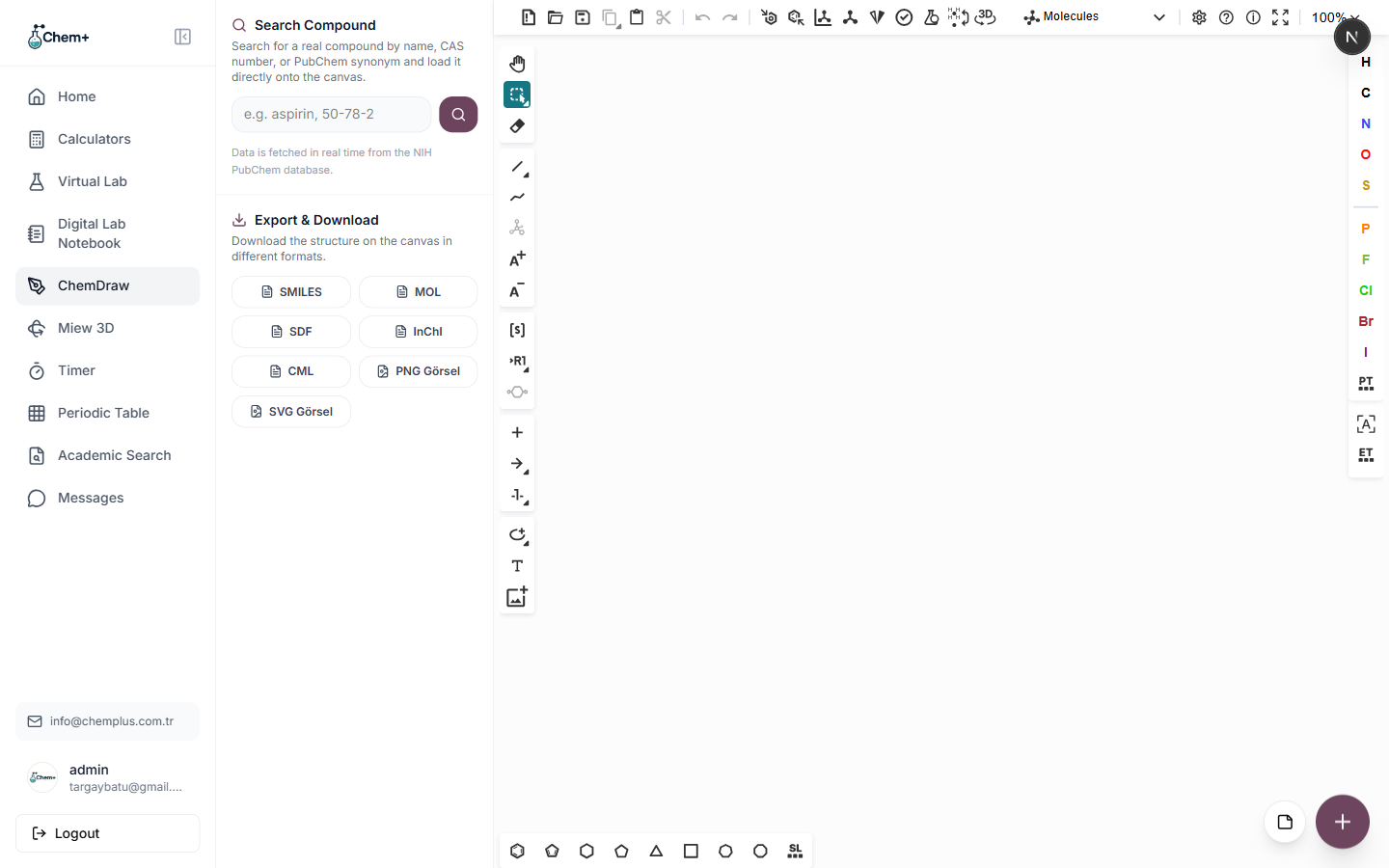
We rolled out ChemDraw, a molecular structure editor built directly into Chem+. Instead of switching between a separate desktop app and your work, you can sketch a compound, search for it in our compound library, and drop the result straight into a figure — all without leaving your browser.
A full structure toolkit
ChemDraw supports the same tools you'd expect from a dedicated editor:
- Single, double, and triple bonds.
- Wedge and dash stereochemistry for showing 3D configuration on a flat page.
- Common ring templates so you're not placing benzene one bond at a time.
- Full support for charges and lone pairs.
Every structure you draw is stored with your account, so you can come back and keep editing later rather than starting over.
Search instead of building from scratch
The Compound Search panel lets you look up common molecules by name or formula — including lookups backed by PubChem — and drop a starting structure onto the canvas. For anything more complex than a few atoms, starting from a real structure and editing it is far faster than drawing it bond by bond.
Export clean, publication-ready files
The Export & Download panel gets your structure out in the format you need:
- High-resolution PNG for slides, posters, and reports.
- Clean SVG for anything that needs to scale without pixelation.
- Chemical formats — SMILES, MOL, SDF, InChI, and CML — for when the structure needs to travel to another tool.
Why we built it
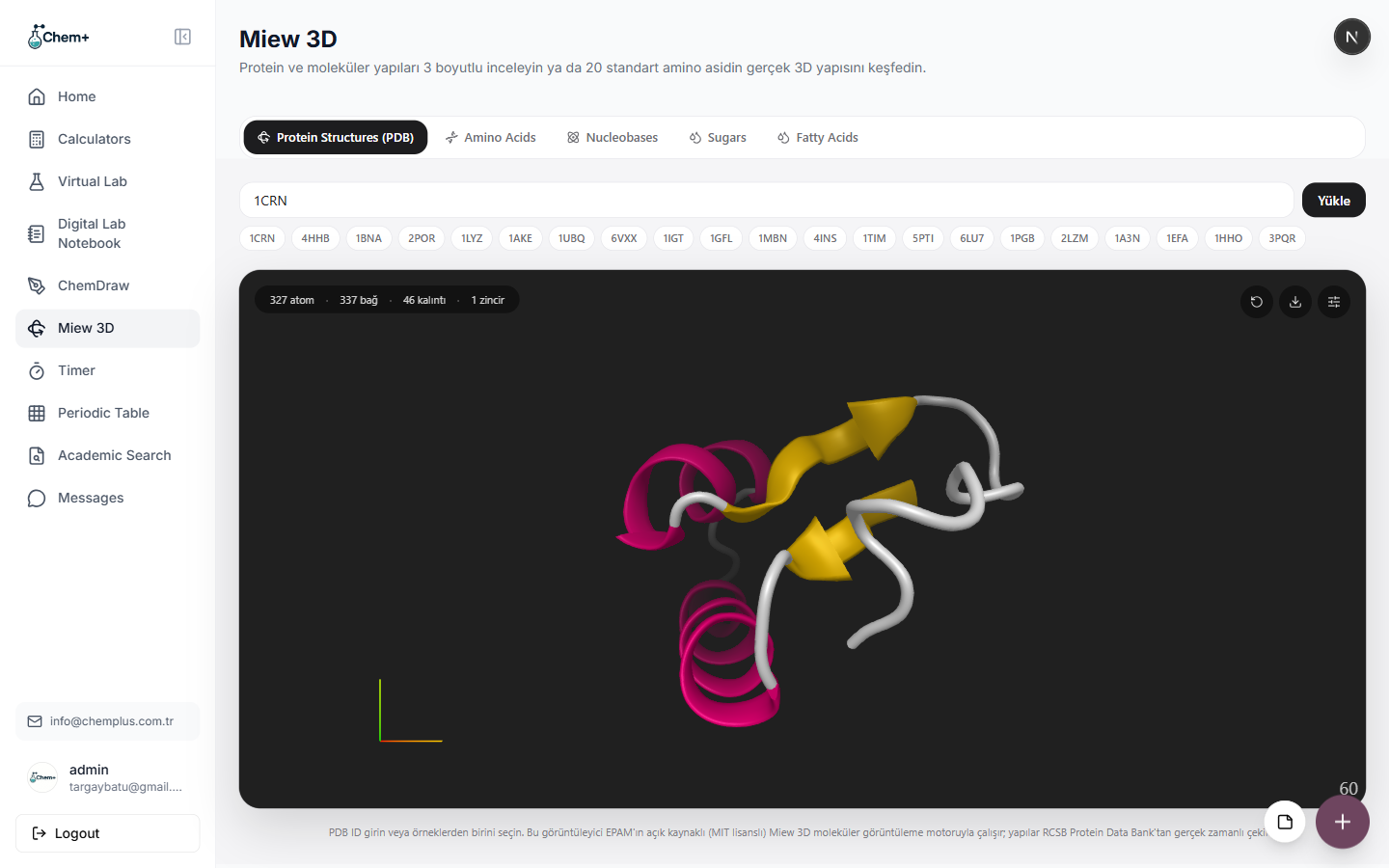
So many of you were exporting figures from other tools and re-importing them into Chem+ just to combine them with the rest of your work. Now it's one workspace, start to finish. Try it from your dashboard under Modules → ChemDraw — and if you sketch something you want to see in three dimensions, open it in Miew 3D to rotate it.