Tips, updates, and stories from the Chem+ team
Everything about the Canvas, Calculators, Virtual Lab, ChemDraw, Miew 3D, and the Digital Lab Notebook — straight from the people building them.
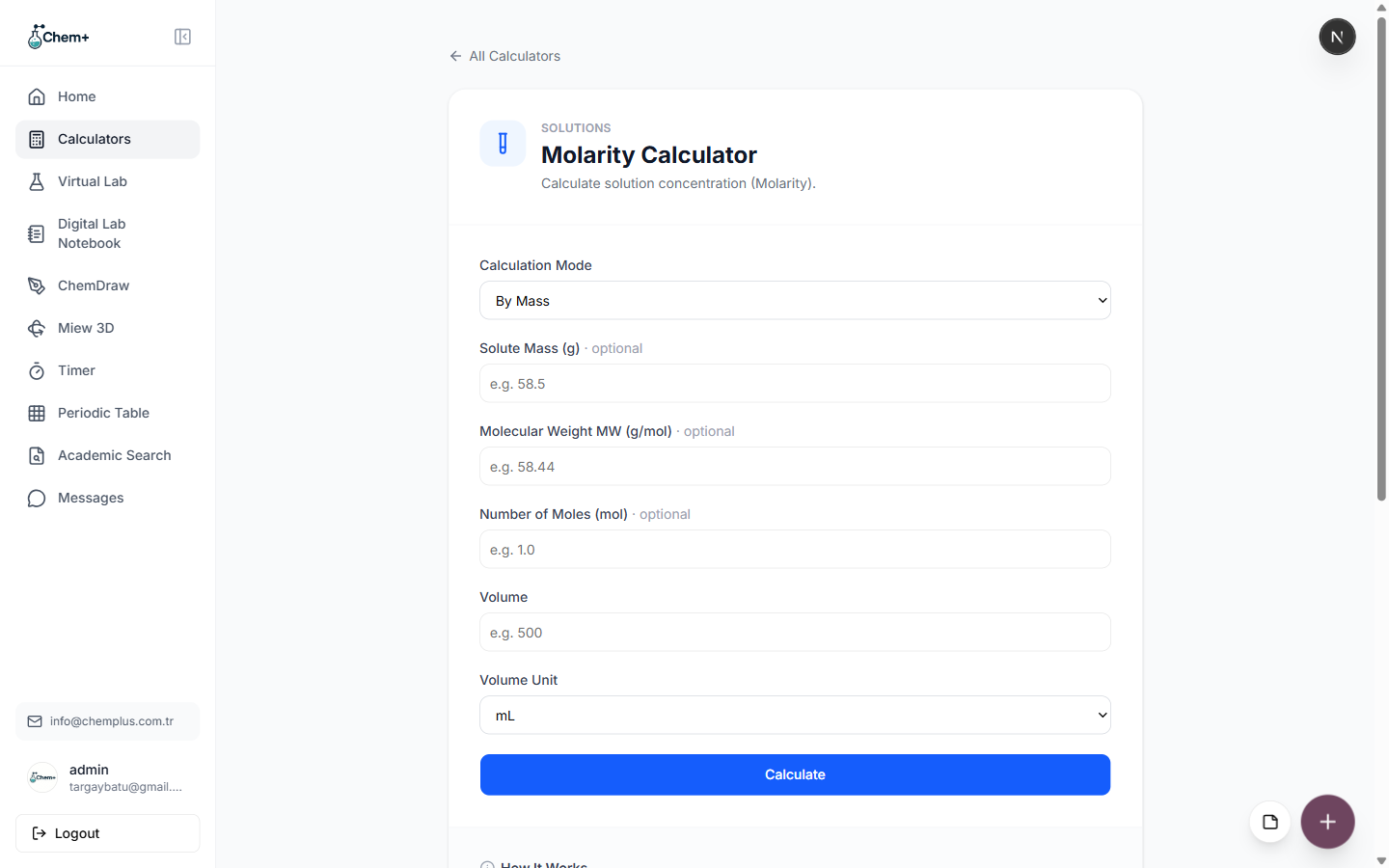
How to Actually Use the 107 Chem+ Calculators (A Practical Walkthrough)
No submit-button anxiety, no spreadsheet formulas to memorize. Here's exactly how the Chem+ calculators work, from the moment you open one to dropping the answer into a report.
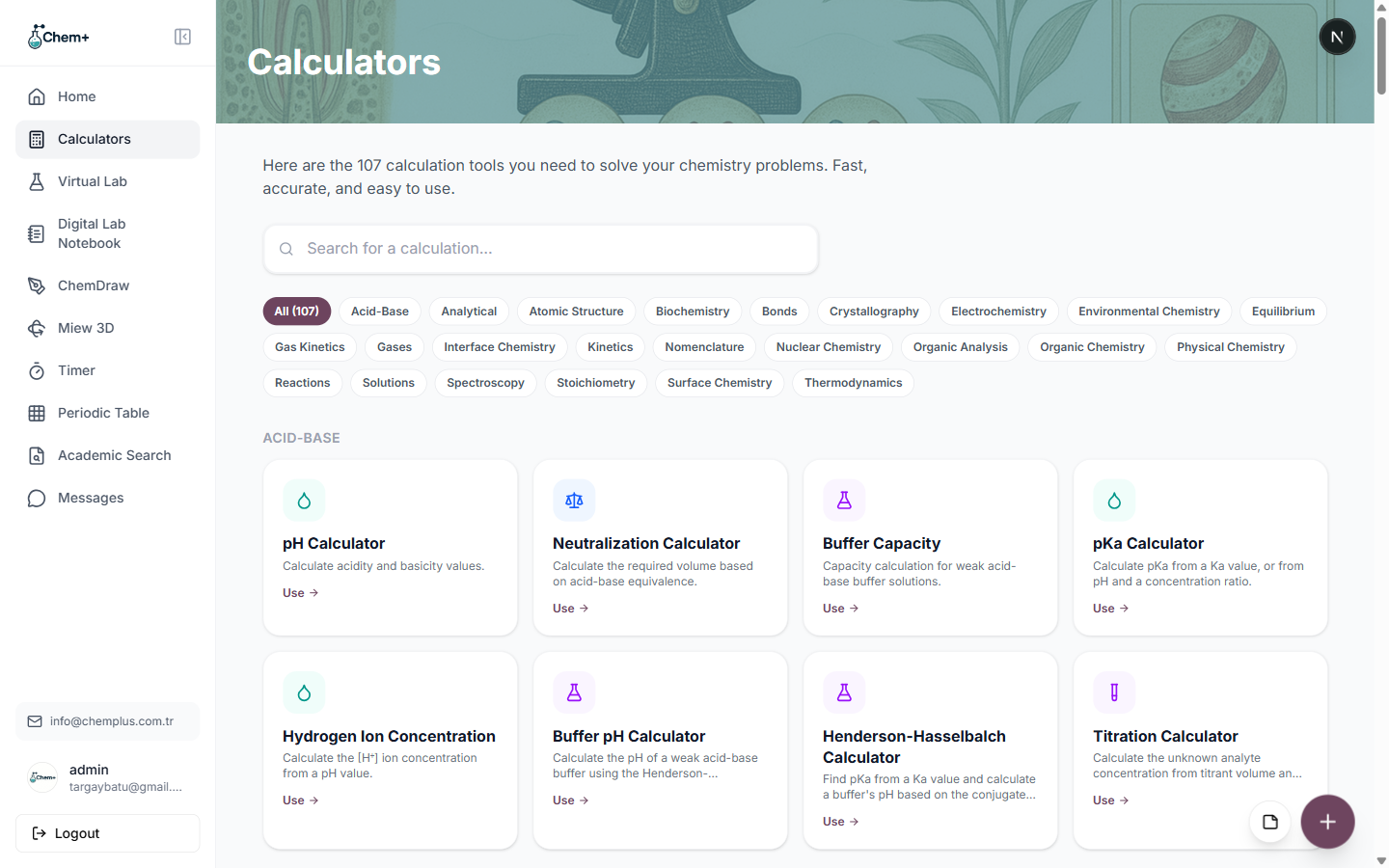
The 107 Calculators, Answered: 10 Questions Chemists Actually Ask
Are they free? Accurate? Do they show the formula? Can I export results? Ten straight answers to the ten questions we hear most about the Chem+ calculator library.
Which Analyses Rely on the Chem+ Calculators? From Water Testing to Titration
Map the calculators to the real analytical workflows they support — water quality, solution prep, acid-base titration, gas measurements, and the quantitative backbone of physical chemistry.
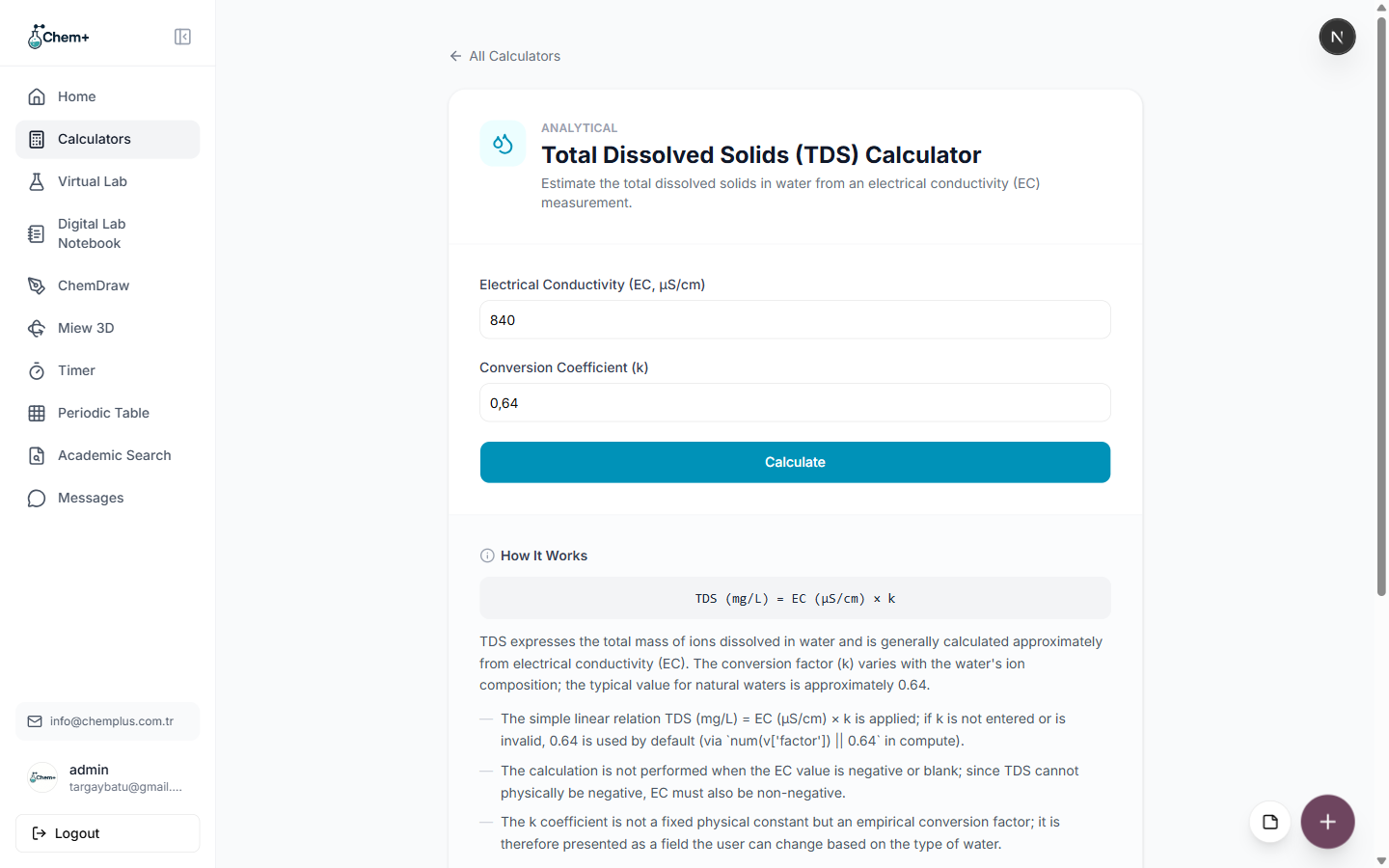
What Are the 107 Calculators Actually For? Real Jobs They Do
A calculator library is only as good as the problems it solves. Here's what the 107 Chem+ calculators are genuinely used for — by students, QC analysts, and researchers alike.
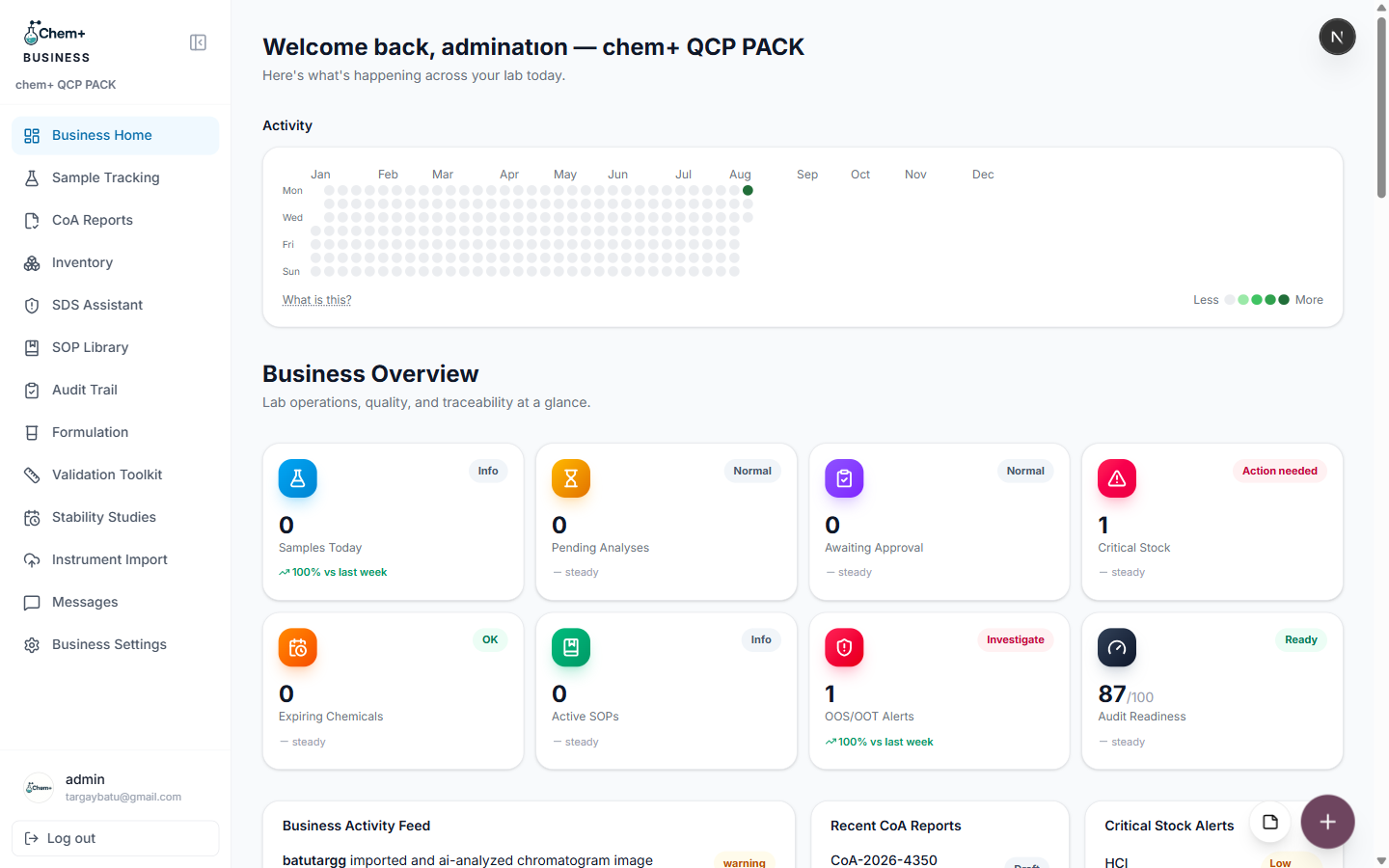
Introducing ChemPlus Business: Lab Operations, Traceable and Audit-Ready
Sample tracking, Certificates of Analysis, inventory, SDS, SOPs, an audit trail with e-signatures, and more — everything a working lab needs to move off spreadsheets, in one platform.
A Tour of Chem+'s 107 Chemistry Calculators
From stoichiometry to thermodynamics, here's a guided tour of the calculator library — 107 tools, organized by the chemistry you actually do, with the core set free on every account.
How Research Teams Use Chem+ to Move Faster
From the Research Agent to team management and an admin dashboard, here's what changes when a whole research group — not just one person — works in Chem+.
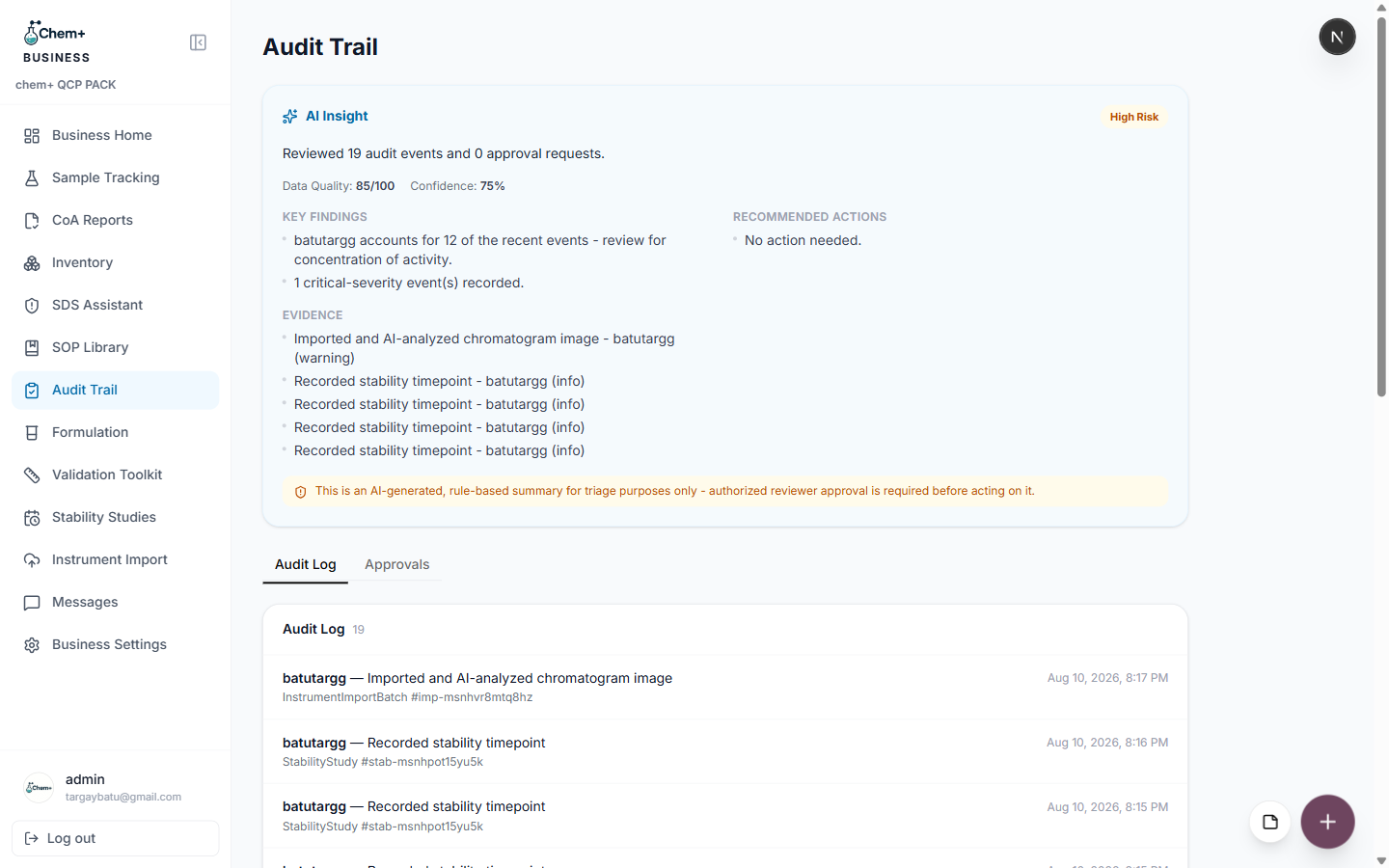
Audit-Ready by Default: The Business Audit Trail and E-Signatures
Who approved this, and when? With the Audit Trail module, that answer is a lookup — every change, approval, and e-signature is recorded automatically.
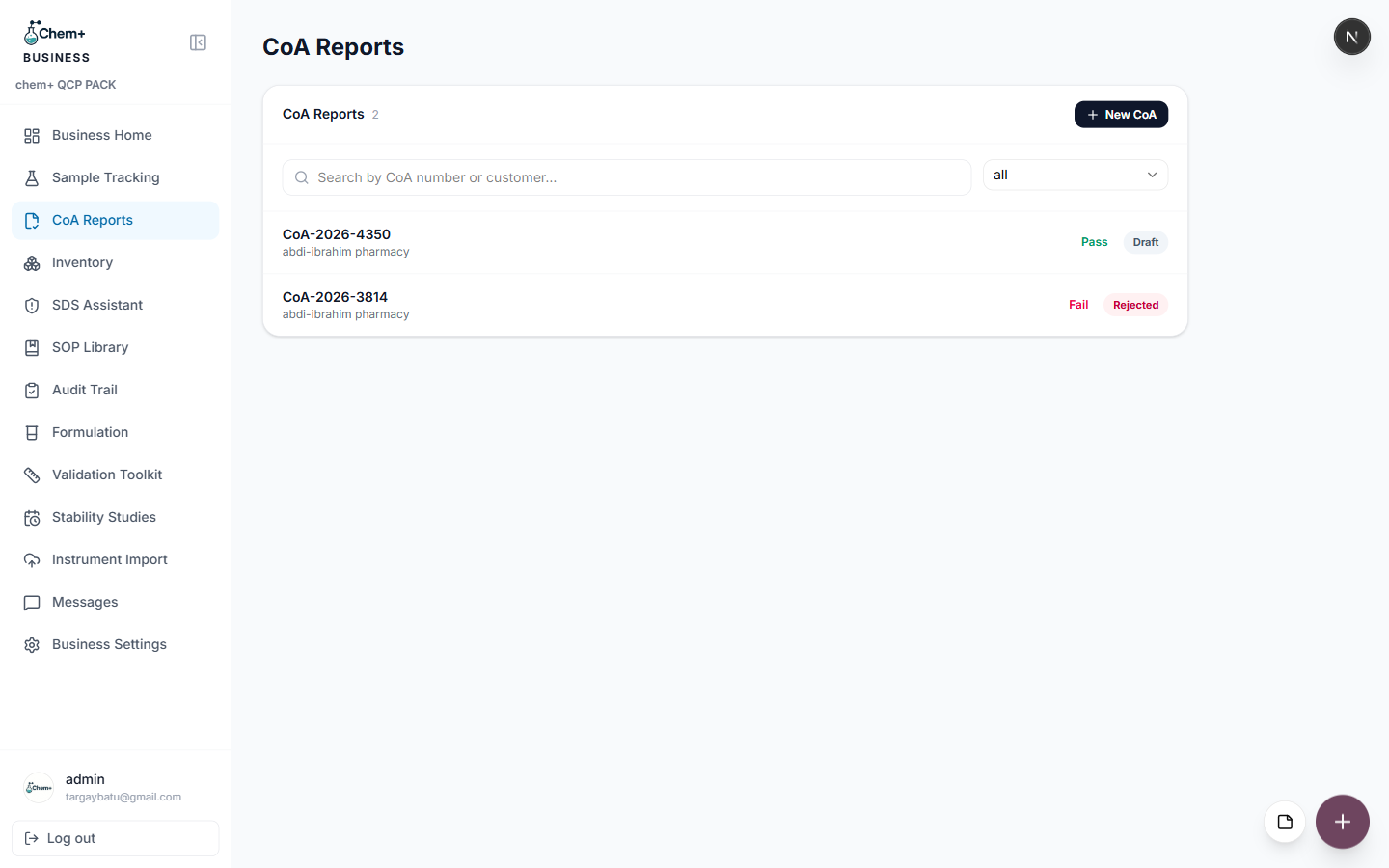
How to Generate a Certificate of Analysis in Minutes
A step-by-step walkthrough of the CoA Reports module: turn a completed sample's results into a clean, standard-format certificate without rebuilding a template.
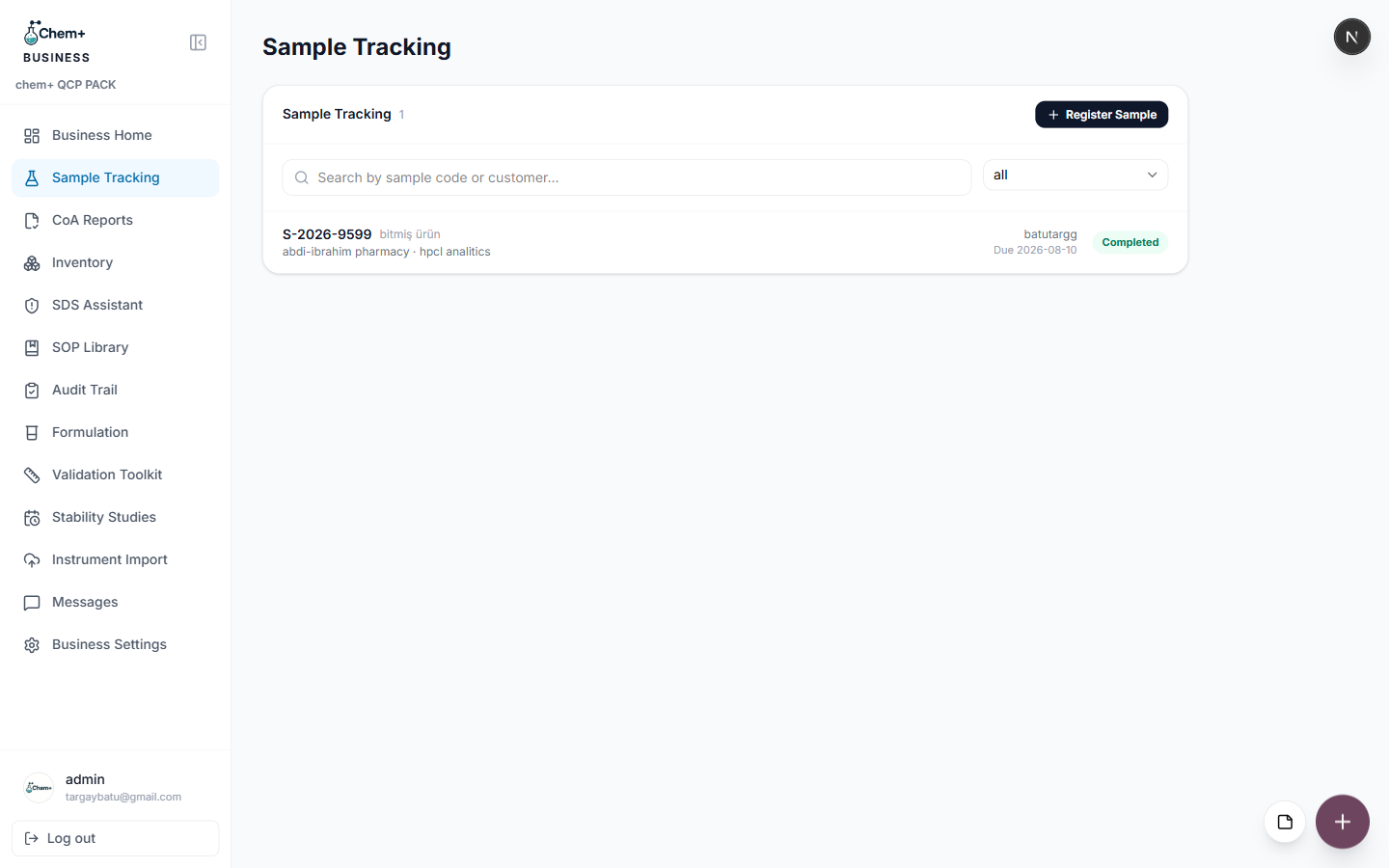
Sample Tracking: A LIMS-Lite That Actually Gets Used
Full LIMS platforms are powerful and often overkill. Sample Tracking gives smaller labs the traceability they need without the implementation project.
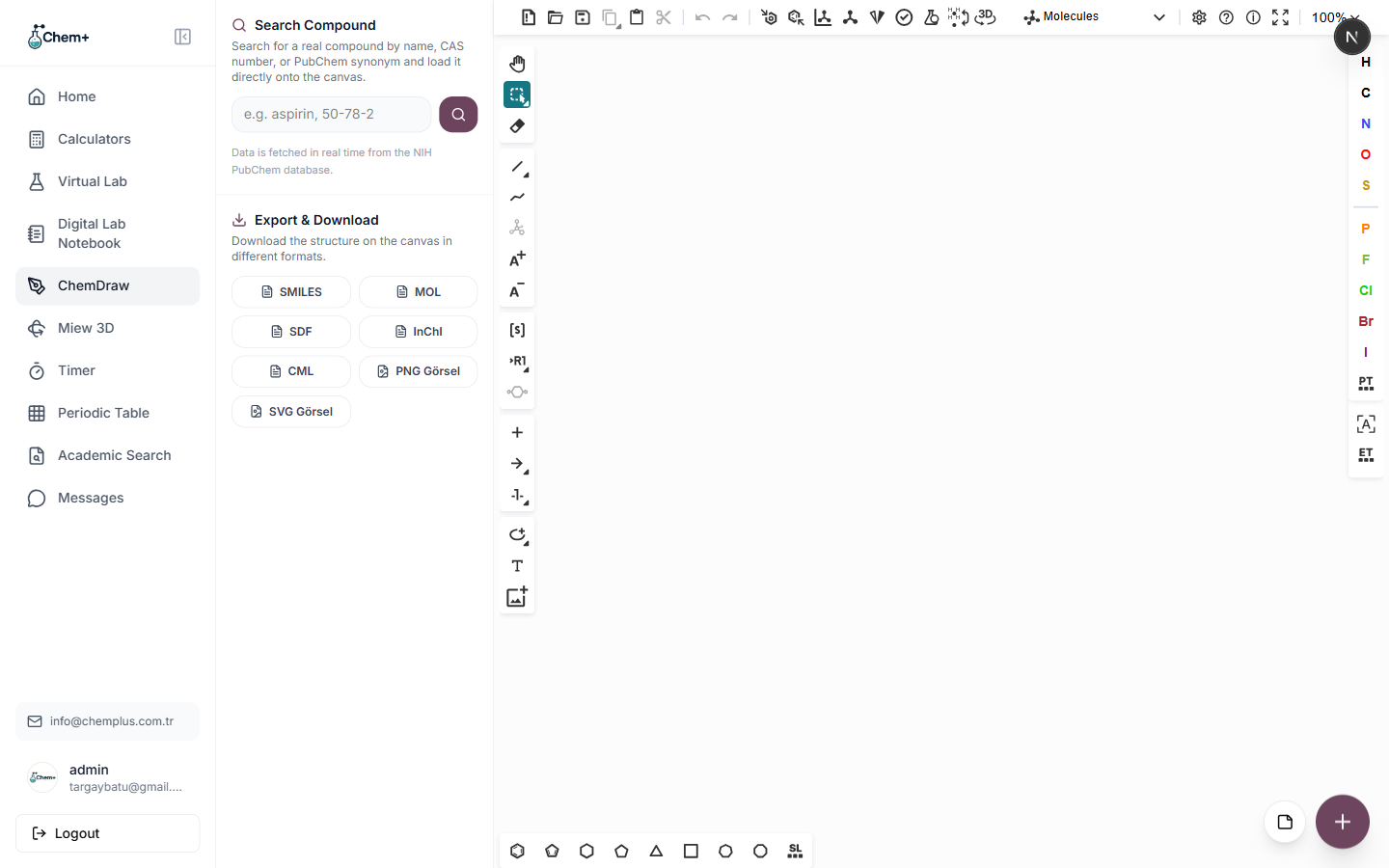
Introducing ChemDraw: Draw Molecular Structures in Seconds
Our structure editor lets you sketch compounds atom by atom, search a compound library, and export clean diagrams straight from your dashboard.
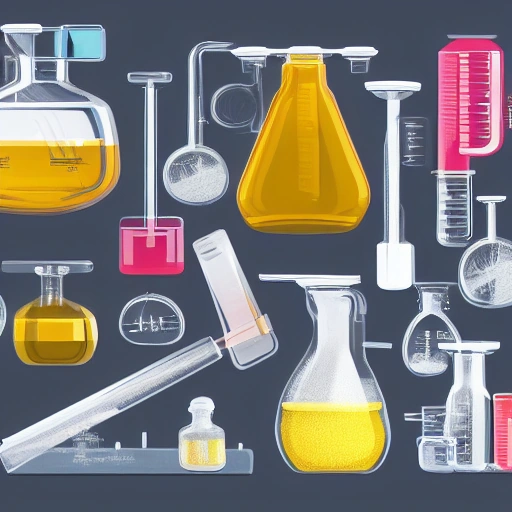
5 Habits for Cleaner Chemistry Figures in Chem+
Five habits that consistently make chemistry figures look sharper and take less time to build.
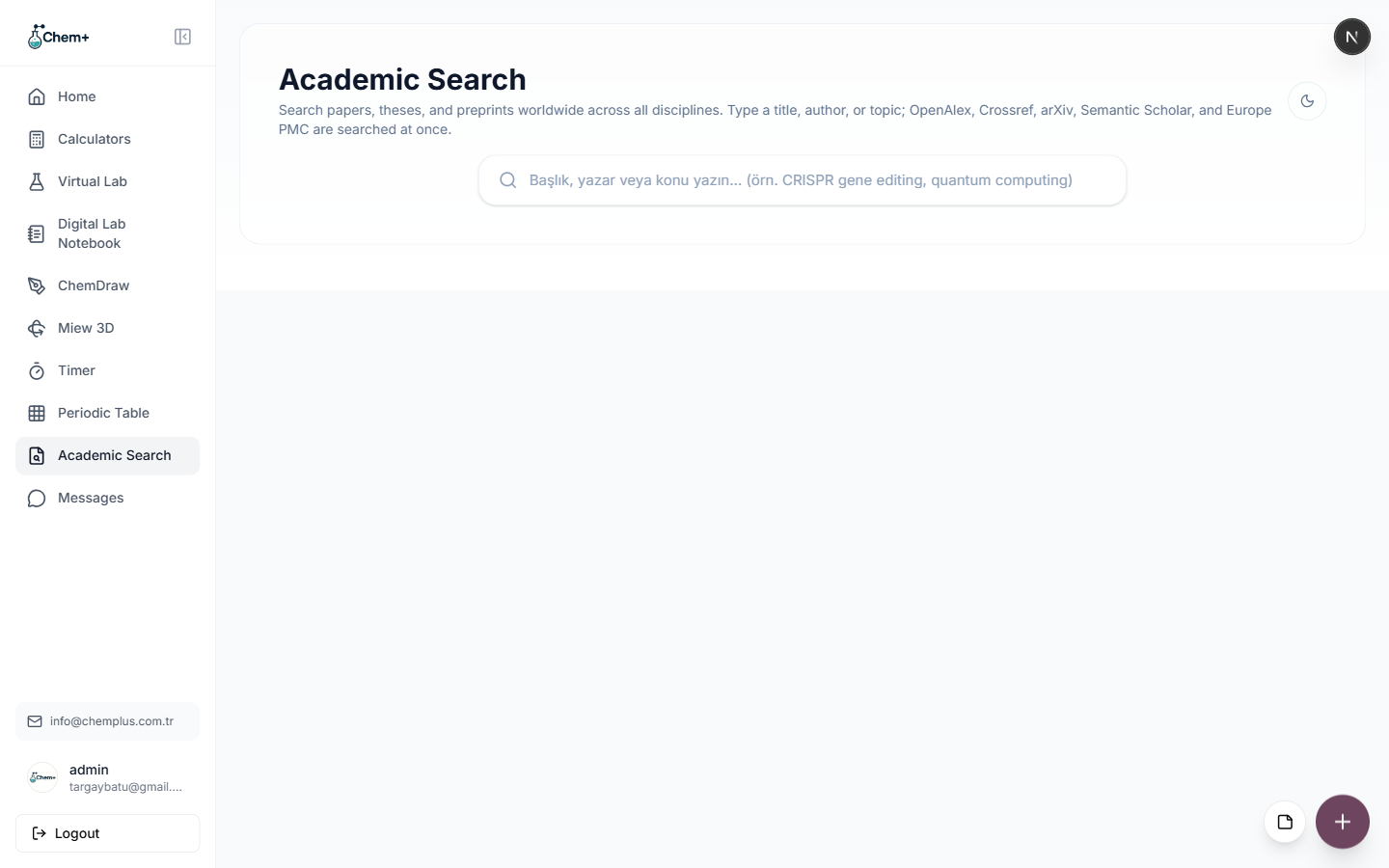
One Search, Five Databases: How Academic Search Works
Academic Search queries OpenAlex, Crossref, arXiv, Semantic Scholar, and Europe PMC at once — so a single query covers far more of the literature than any one of them alone.
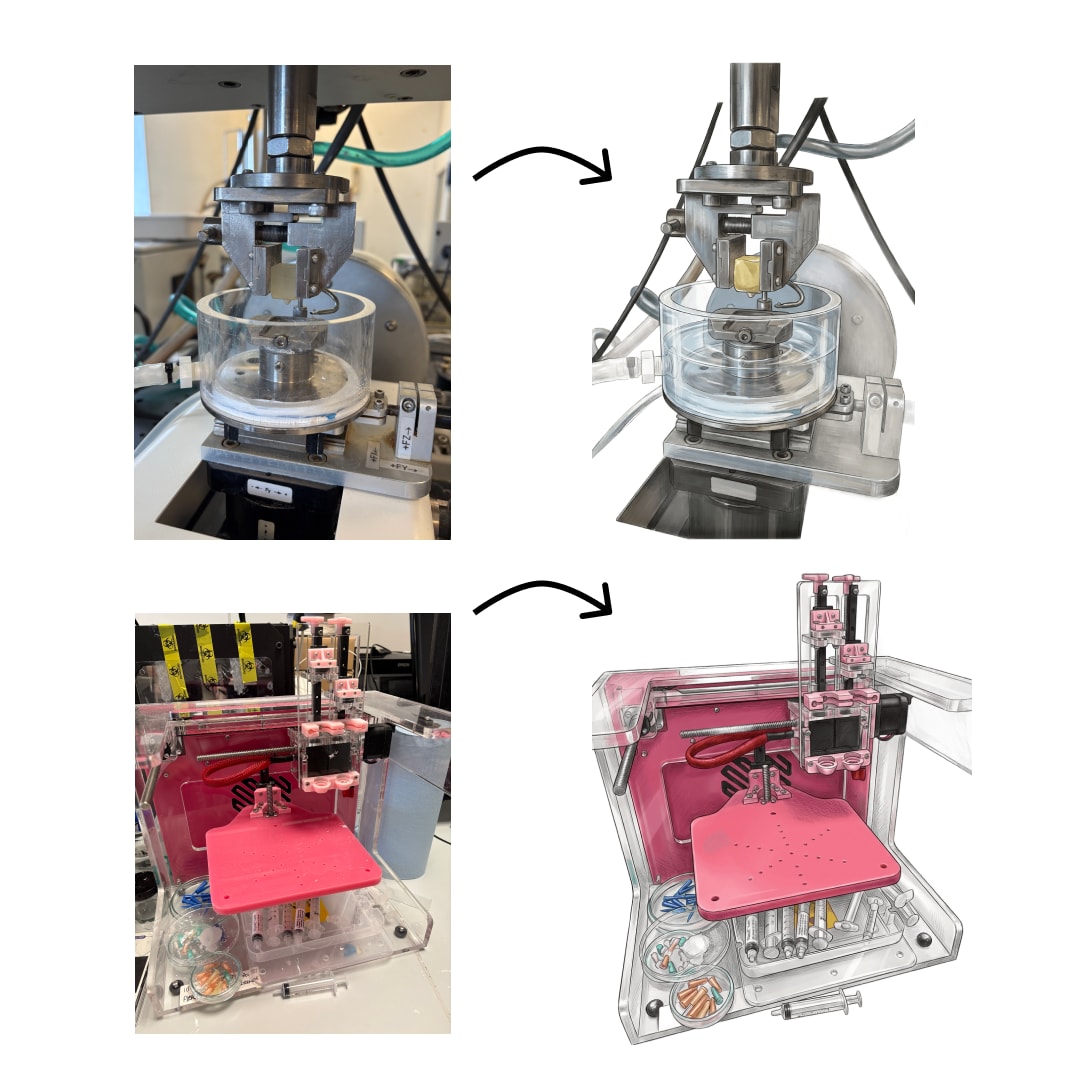
From Instrument to Report Without Retyping a Single Number
Manual transcription is where quiet errors live. The Instrument Import module pulls instrument output into ChemPlus Business so a number never has to be keyed in twice.
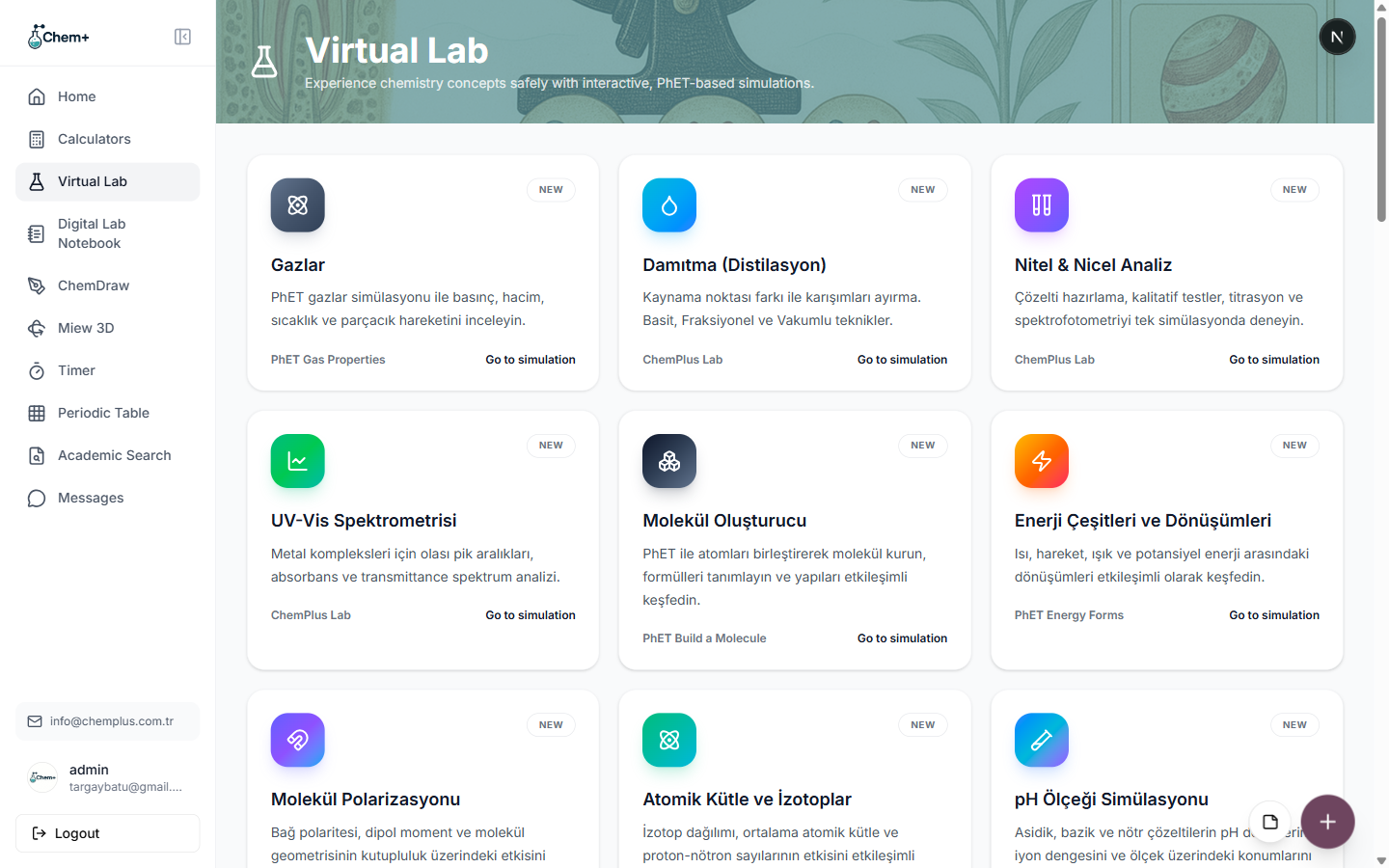
Why We Built Virtual Lab
Not every institution has lab time or equipment to spare. Virtual Lab gives students and researchers a safe place to test a procedure first.
Tracking Shelf Life: The Stability Studies Module
Shelf-life claims should rest on data, not guesses. Stability Studies tracks your studies against a timeline so expiry decisions are defensible.
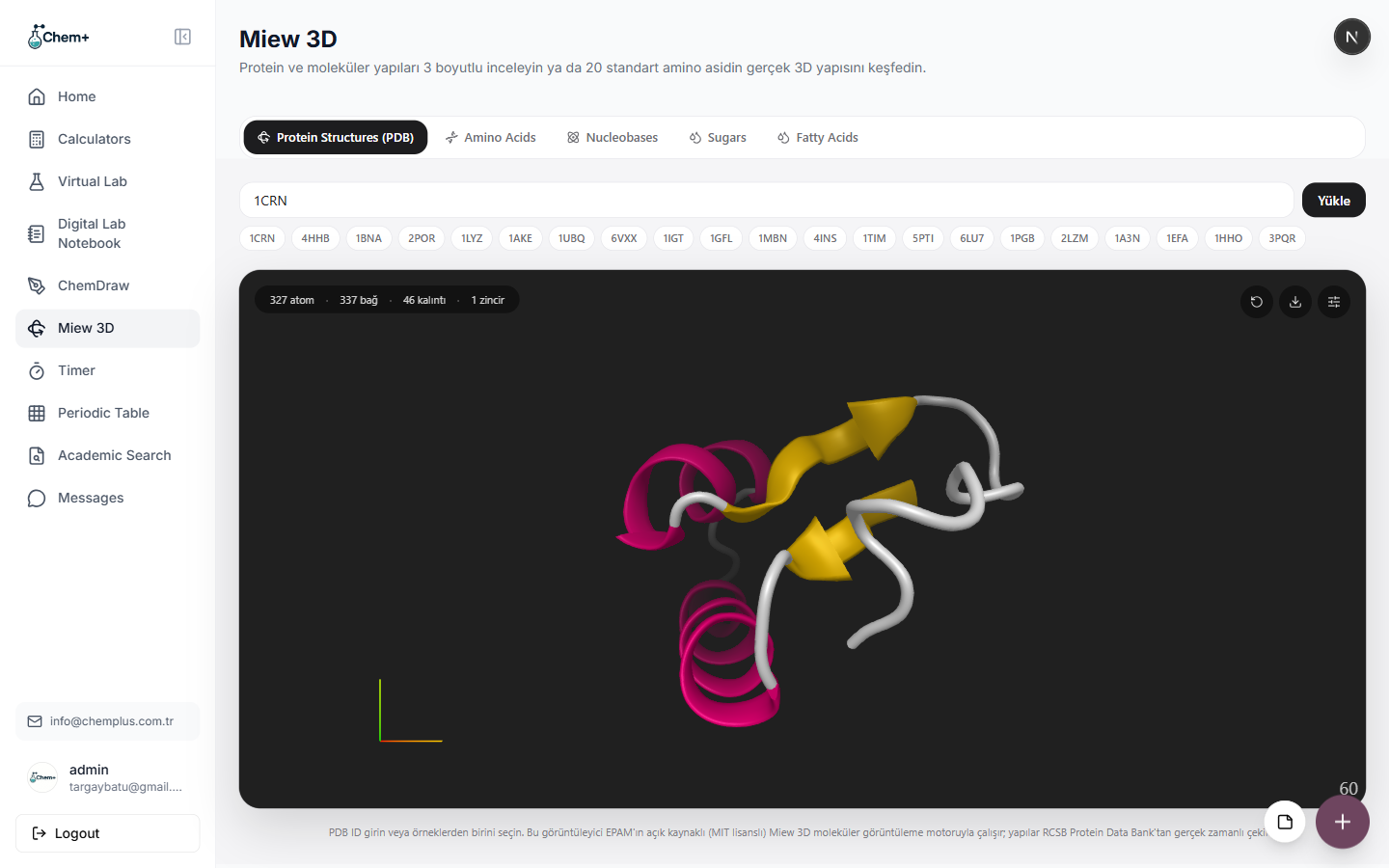
See Molecules in 3D with Miew
The Miew 3D module gives you a real, rotatable molecular structure viewer, powered by EPAM's open-source Miew engine.
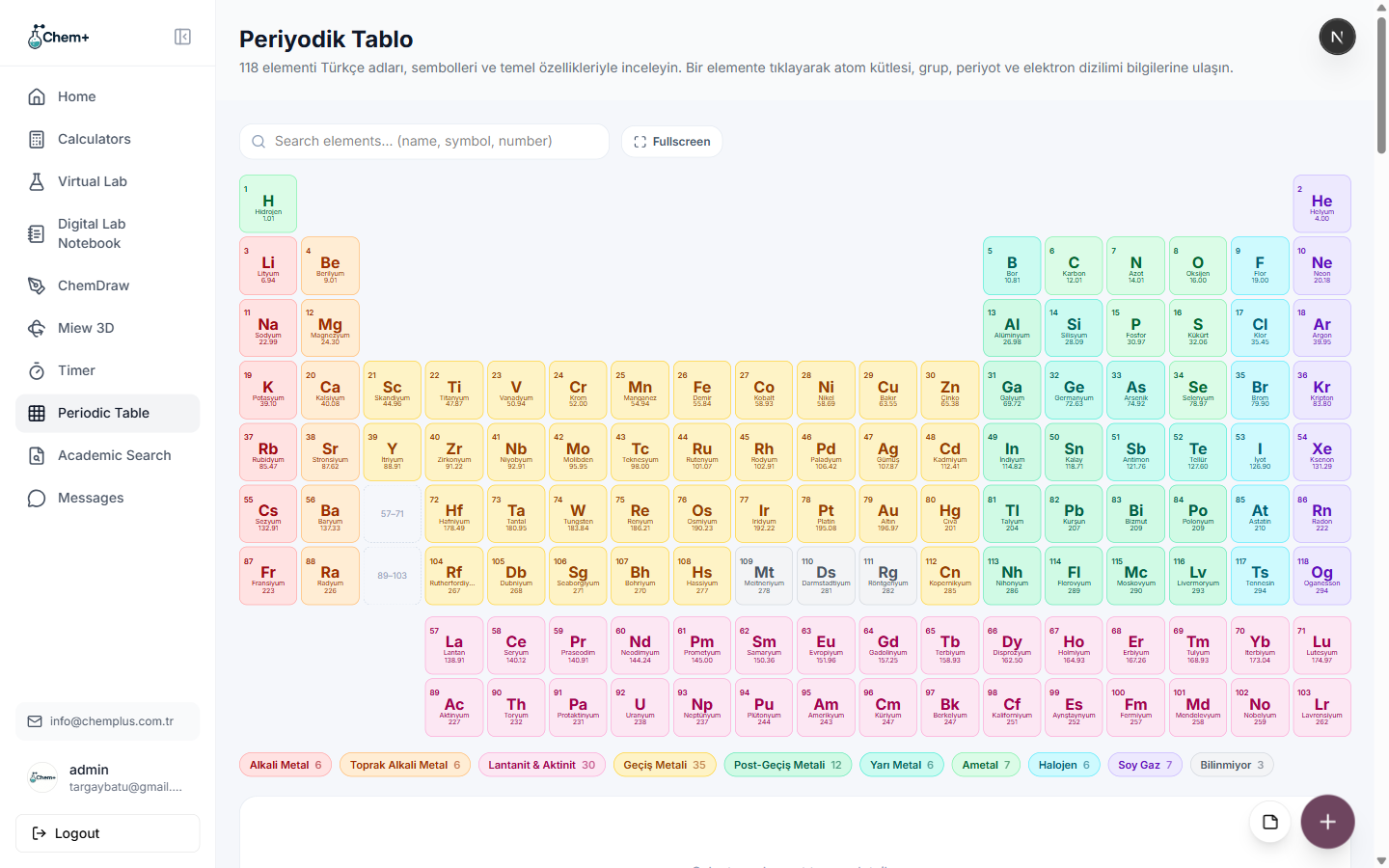
The Interactive Periodic Table: 118 Elements, One Click Away
More than a wall chart — the interactive periodic table puts all 118 elements and their properties a click away, right next to the tools that use them.
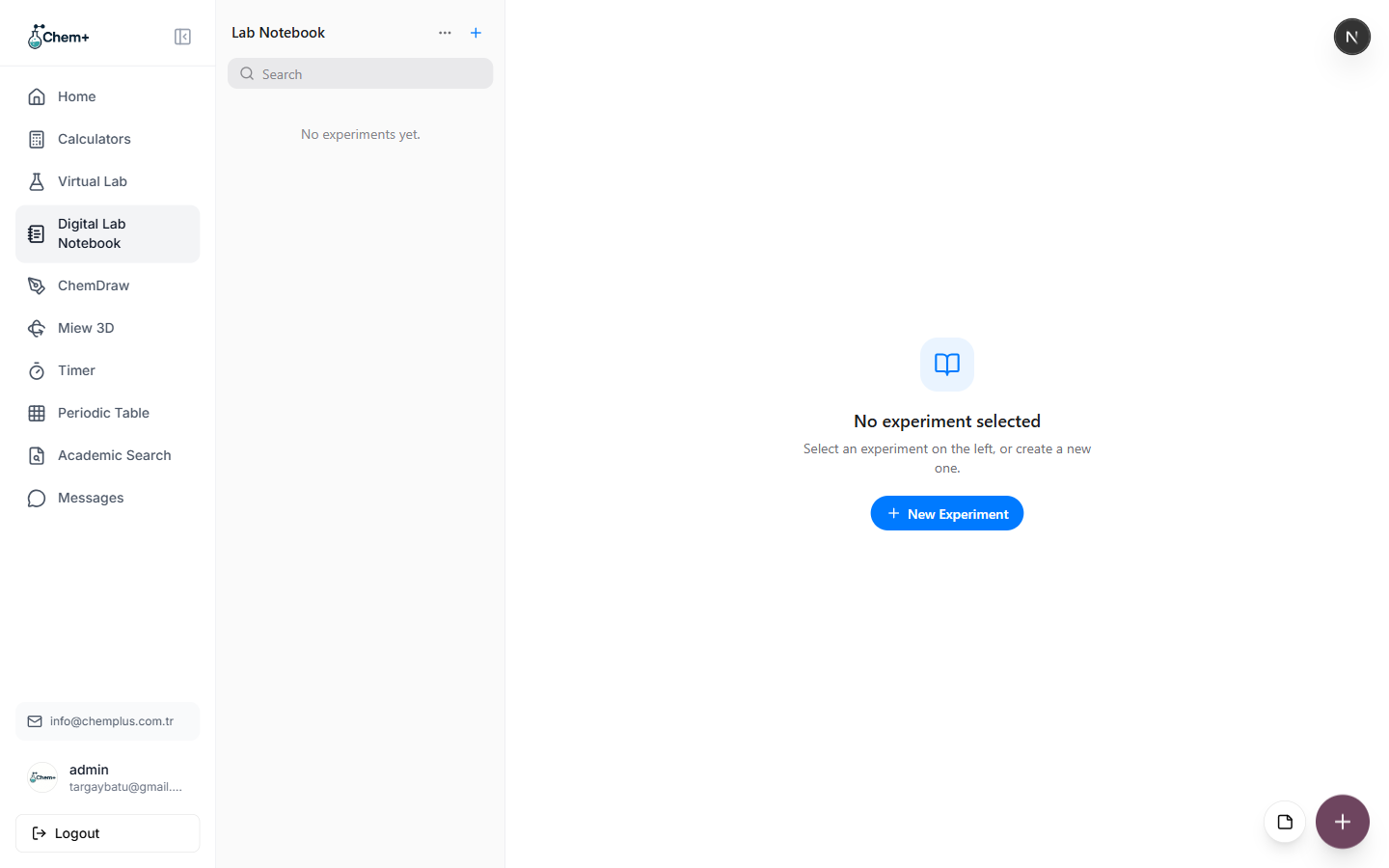
Ditch the Paper: Getting Started with the Digital Lab Notebook
A searchable, organized record of every experiment beats a stack of paper notebooks. Here's how to set up the Digital Lab Notebook in five minutes.
Build Your First Publication Figure: Structure to Export, End to End
A complete walkthrough — search a structure in ChemDraw, check it in 3D, arrange it on the Canvas, and export a clean, publication-ready file.
Free, Pro, Team, or Business: Which Chem+ Plan Fits You
A plain-language guide to the four ways to use Chem+ — what each unlocks, who it's for, and what it costs — so you can pick without guessing.
Never miss an update
Get new tutorials and product news from the Chem+ team, straight to your inbox.