How to Generate a Certificate of Analysis in Minutes
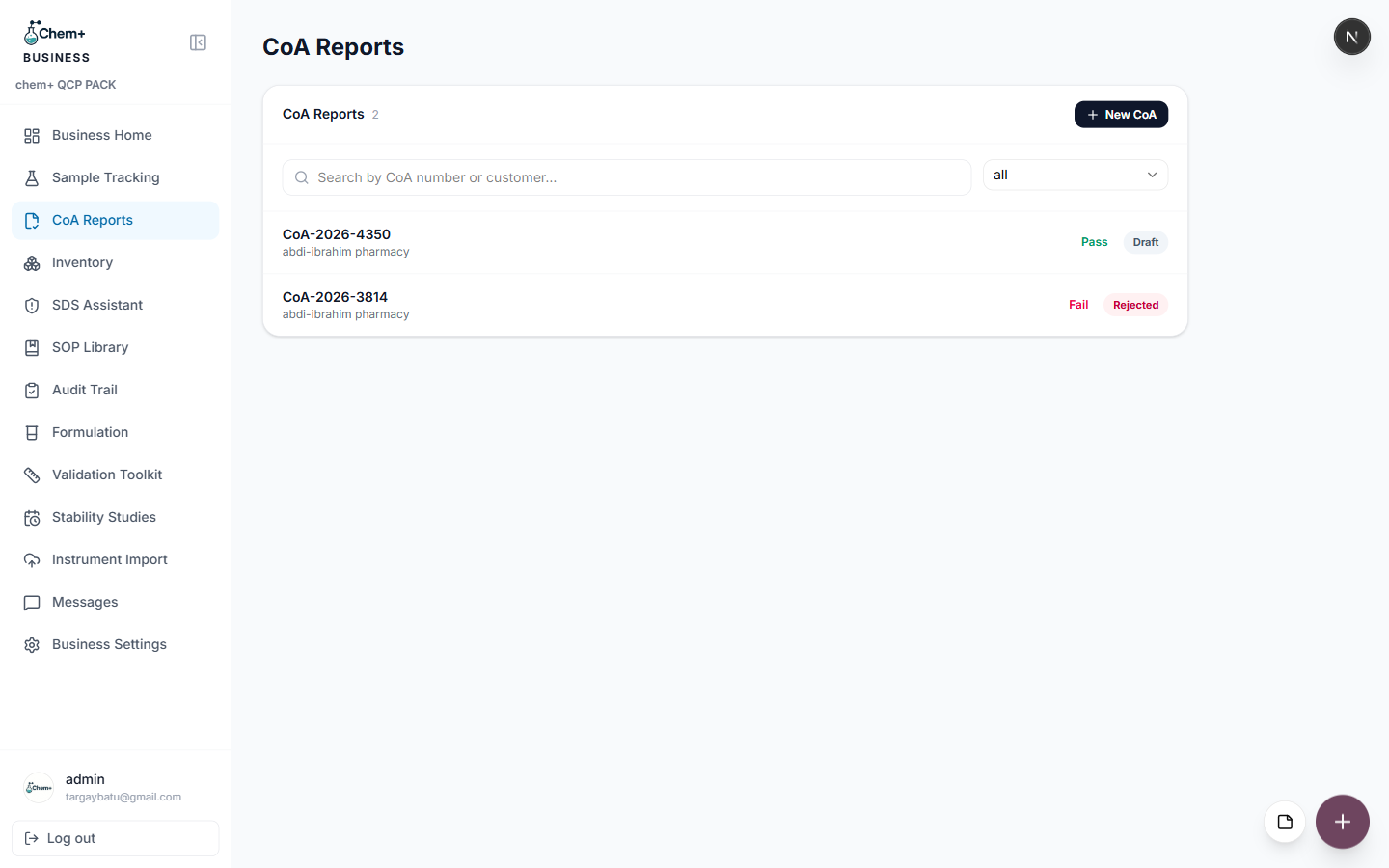
A Certificate of Analysis is one of those documents that's simple in principle and tedious in practice. The data already exists — you just have to get it into a clean, consistent, presentable format, every single time, without transcription errors. The CoA Reports module in ChemPlus Business exists to make that last step fast.
Before you start
CoA Reports works best when the underlying data is already in the system. If you've logged the sample in Sample Tracking and recorded its results, the certificate can pull from that directly instead of asking you to retype values — which is also where transcription errors creep in.
Step by step
- Open CoA Reports from the Business sidebar and start a new certificate.
- Select the sample the certificate is for, so it inherits the sample's identity and results.
- Confirm the analytical results and specifications — the values, their units, and the acceptance criteria they're measured against.
- Add the standard header details: product, batch, and the dates that matter for the certificate.
- Review, then generate. The output is a clean, standard-format certificate ready to send.
Why a standard format helps
When every certificate follows the same layout, two good things happen. Your customers learn where to look, so they trust and process your certificates faster. And internally, nobody is reinventing a template or arguing about formatting — the structure is decided once and reused, so the only thing that changes between certificates is the data.
It connects to the rest
Because CoA Reports sits alongside Sample Tracking, Inventory, and the Audit Trail, a certificate isn't a dead-end document. It's tied to the sample it came from and the audit history behind it, so if anyone ever asks how a number on the certificate was produced, the trail is intact.