5 Habits for Cleaner Chemistry Figures in Chem+
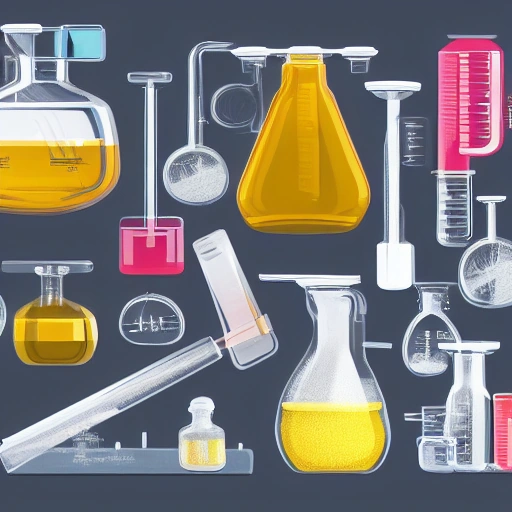
An infinite, zoomable workspace is freeing — and it's also easy to end up with elements scattered everywhere and no sense of structure. Here are five habits that consistently produce cleaner figures, faster.
1. Start from the Elements panel, not a blank canvas
The Elements library already has beakers, flasks, glassware, and lab equipment icons ready to drag in. Starting from these instead of building shapes from scratch saves the most time of anything on this list — you're assembling, not drawing.
2. Use the grid and snapping
Chem+ snaps elements to a grid and to each other's edges, so your figure stays aligned without you nudging things pixel by pixel. Alignment is most of what separates a figure that looks intentional from one that looks improvised — let the snapping do it for you.
3. Group related elements before you move them
If a diagram has a reaction pathway with five or six pieces, group them once you're happy with the layout. Then a single drag moves the whole thing without knocking anything out of place.
4. Keep one canvas per figure
It's tempting to build several figures on one giant canvas, but a dedicated canvas per figure makes exporting and organizing your work much simpler. When you go looking for "the mechanism figure" later, it's its own thing, not buried in a wall of unrelated shapes.
5. Export at high resolution, always
The PNG export produces publication-ready resolution by default — there's no reason to downscale before submitting to a journal or printing a poster. If you might need to resize later, export SVG so it scales without losing sharpness.
None of these are complicated, but together they're the difference between a figure you fight with and one that comes together in a few minutes.