The Interactive Periodic Table: 118 Elements, One Click Away
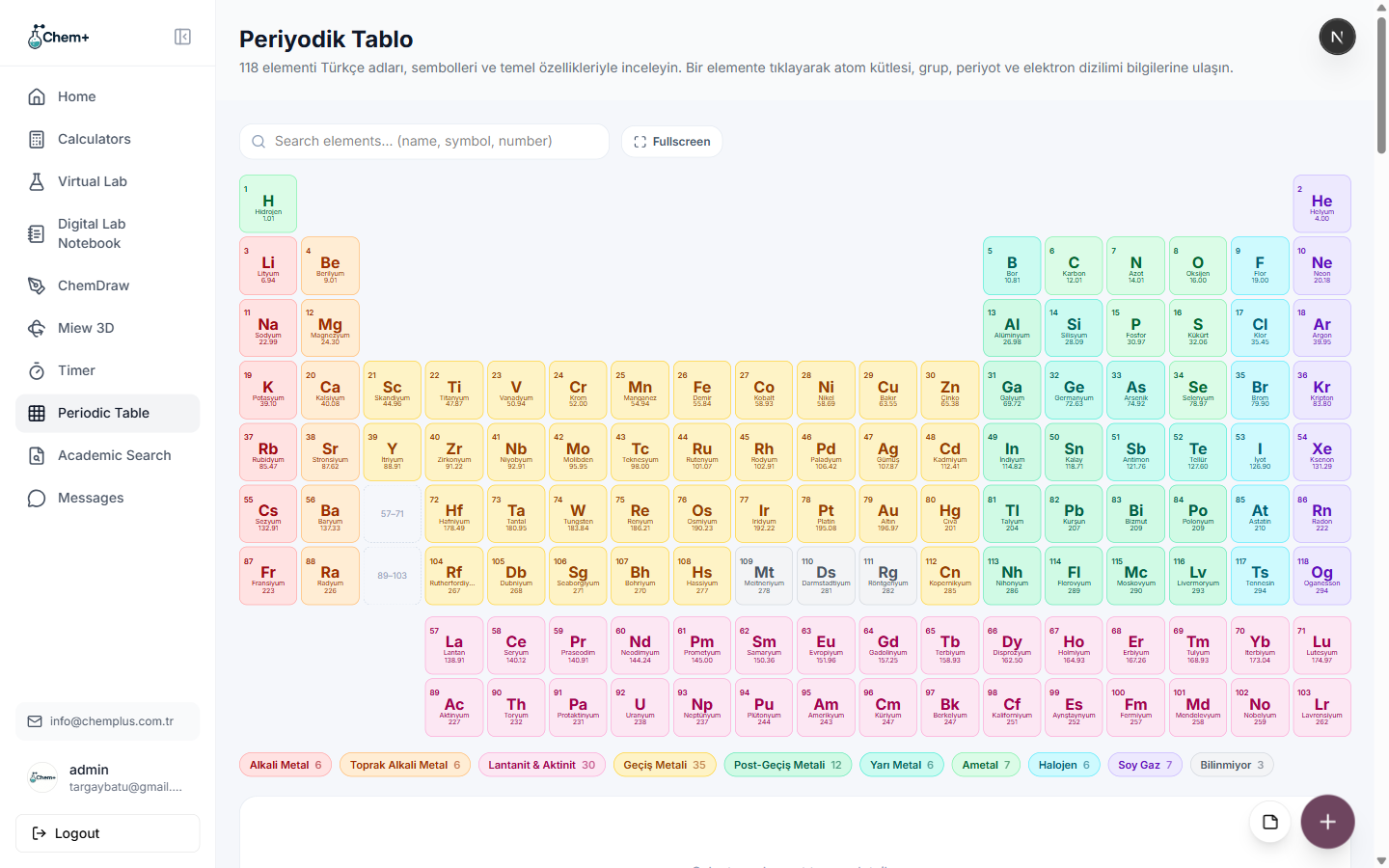
The periodic table is the most recognizable object in chemistry, and also one of the most under-used in its printed form — a wall chart tells you an element exists, but not much more without a reference book open next to it. The interactive Periodic Table module turns it into something you actually query.
All 118, and what's behind each one
Every one of the 118 elements is there, color-coded by group — alkali metals, alkaline earth metals, transition metals, halogens, noble gases, lanthanides and actinides — and each is a click away from its properties: atomic mass, group, period, and electron configuration. Instead of cross-referencing a chart against a data table, you go straight from the element to the numbers that matter for the calculation in front of you.
Why an interactive table earns its place
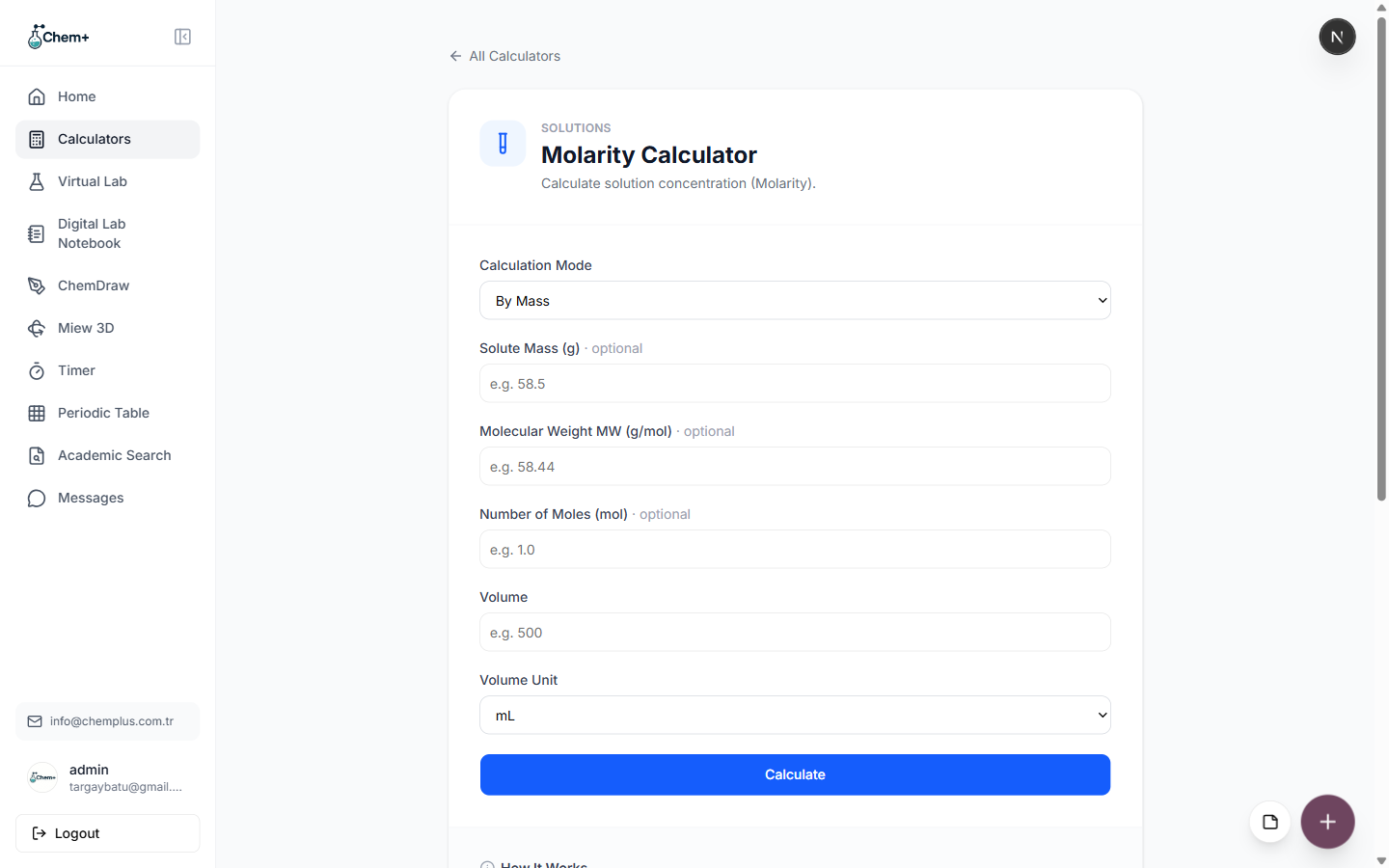
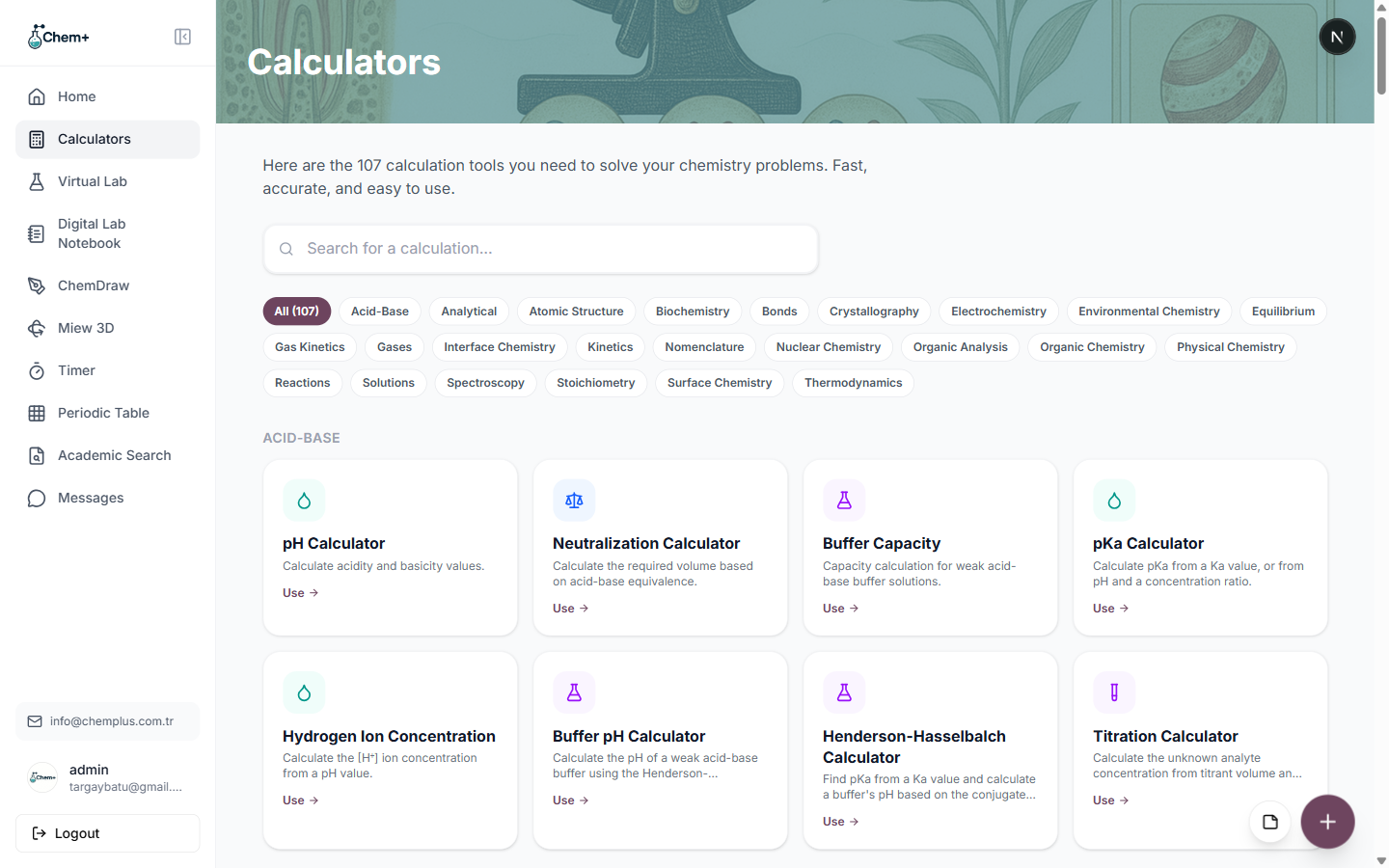
The value isn't novelty — it's proximity. When the periodic table lives in the same dashboard as your 107 calculators and your figures, the loop is tight:
- Search an element by name, symbol, or number and jump straight to it.
- Look up its properties while setting up a calculation.
- Stay in one place instead of bouncing between a chart, a data sheet, and your worksheet.
For teaching
In a classroom, an interactive table is something you can drive live — pull up an element, talk through its properties, and connect it to the reaction on the board, all without a second screen. It's available on every plan, so it's there whether you're a student, a lecturer, or a researcher. Open it from Modules → Periodic Table.