Ditch the Paper: Getting Started with the Digital Lab Notebook
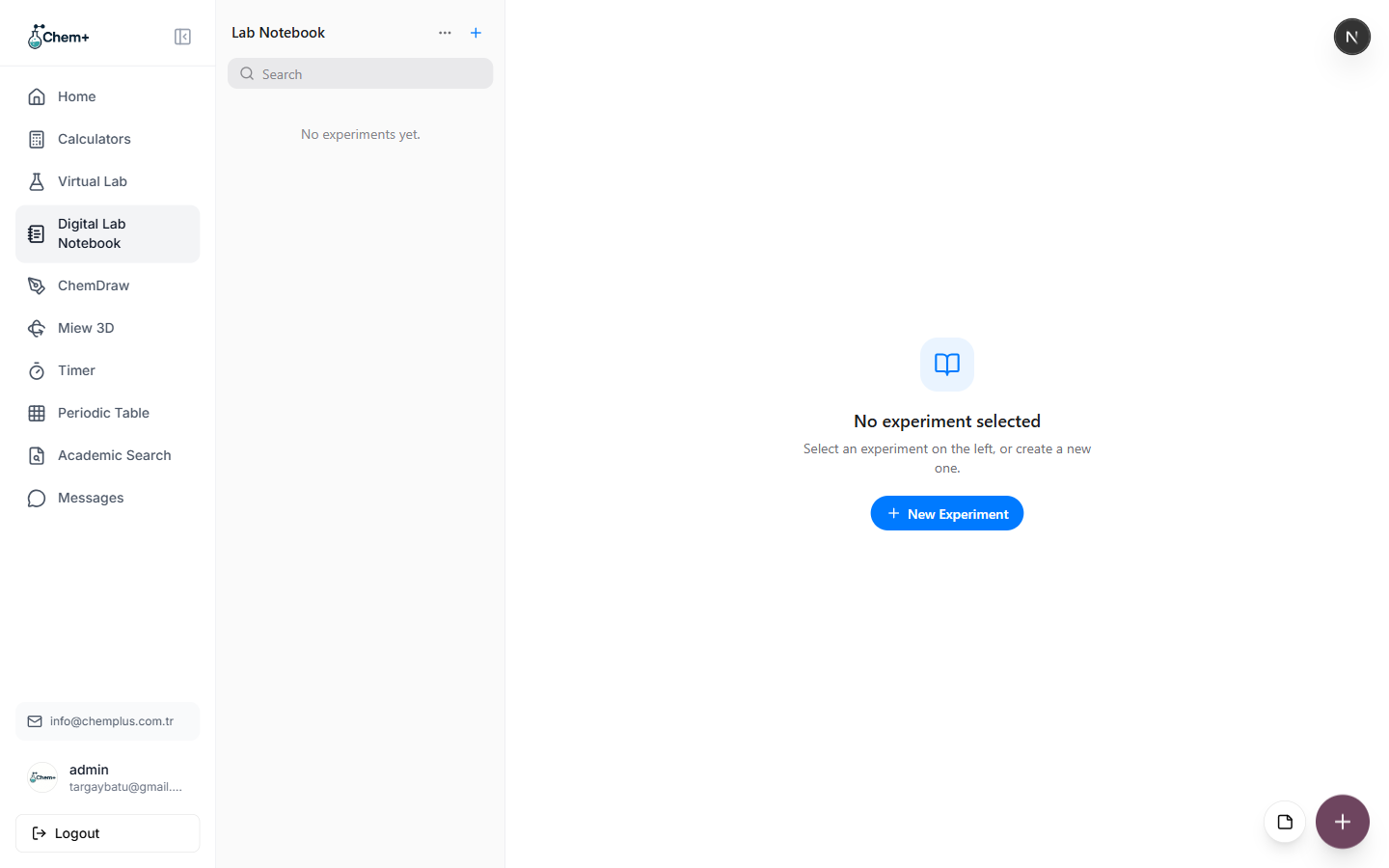
If you've ever flipped through three paper notebooks looking for a result you know you wrote down somewhere, the Digital Lab Notebook is for you. It's a searchable, organized record of your experiments, observations, and results that lives in your Chem+ dashboard alongside everything else.
Set up your first entry
Getting started takes about five minutes:
- Click New Experiment and give it a title and the date.
- Record the reagents and the procedure as you go, with rich-text formatting.
- Attach figures you've built on the Canvas or structures from ChemDraw, so the write-up and its visuals stay together.
Everything is timestamped and searchable, so "that titration from March" is one search away instead of a physical archaeology dig through a drawer.
Why searchable changes the game
Paper is a great capture tool and a terrible retrieval tool. The moment you need to find something across months of entries, a bound notebook works against you. A searchable record flips that — the effort of writing it down pays off every time you need to find it again, which for a working notebook is constantly.
Shared notebooks for teams
On the Team plan, the Lab Notebook can be shared across your group, so everyone logs results in the same place instead of five different formats. A "Shared with Team" flag keeps group experiments visually distinct from personal drafts.
It won't replace a bound notebook if your institution requires one for compliance — but as a working reference, it's hard to go back to paper once you've tried it.